Shelf computer vision: how one photo becomes a perfect shelf
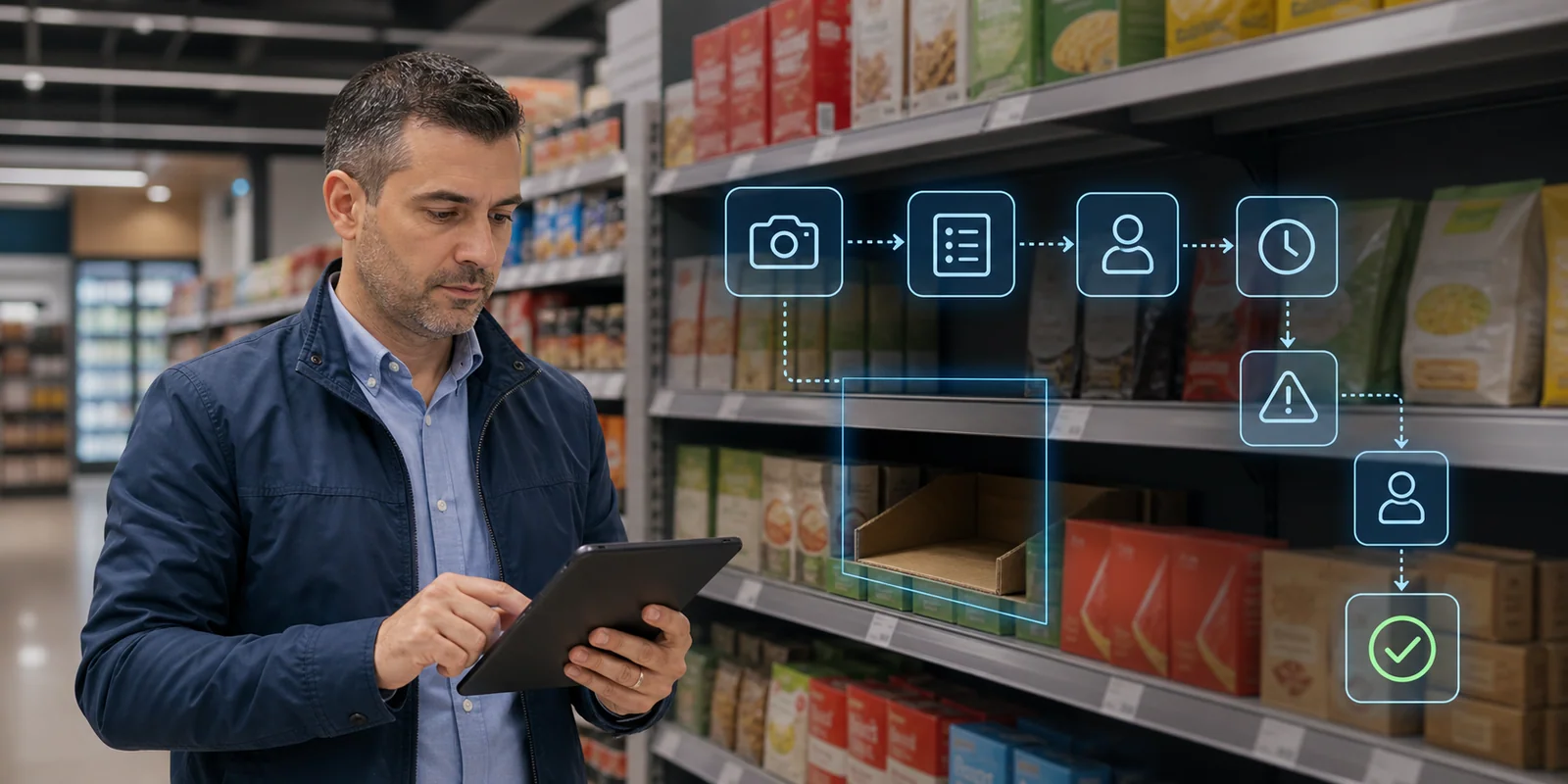
The real value of shelf computer vision is not the boxes on the image. It is how the photo becomes SKU recognition, facings, OSA, planogram gaps, suggested orders and action during the same visit.
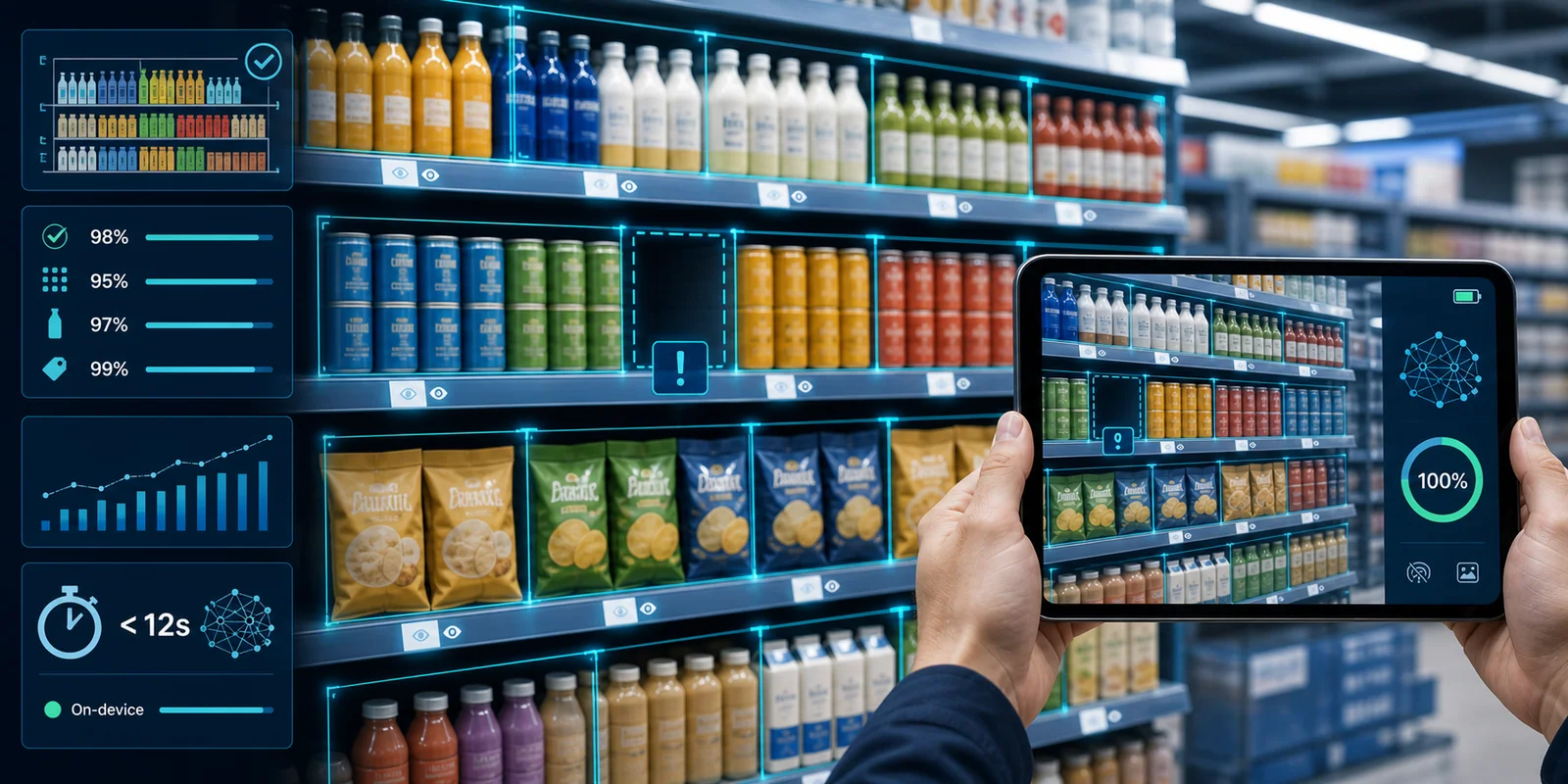
Shelf computer vision is often shown in the most superficial way: a photo of a shelf, colored boxes around the products and a few percentages in a dashboard.
It looks impressive, but that is not the point.
The real value is not that the model can “see” bottles, cans or packs. The real value is that one photo can become an operational decision:
- which SKU is missing;
- how many facings the brand has;
- whether the product is in the right location;
- whether price and promotion are executed;
- whether the shelf matches the planogram;
- whether there is out-of-stock risk;
- what the sales rep should do now;
- how the next order, route and coaching should change.
If the system stops at “here is a photo with boxes,” it is a detector.
If it translates the image into action, it becomes retail execution intelligence.
The shelf is harder than it looks
For a human, the shelf looks obvious. We see a bottle, a label, an empty space, a price strip. For a computer, it is a difficult scene.
An FMCG shelf has several traits that make it much harder than generic object detection:
- many SKUs look almost identical;
- packaging changes often;
- seasonal and promotional variants enter and leave quickly;
- products overlap;
- the front row hides the back rows;
- glass and coolers create glare;
- the shelf may be photographed from a poor angle;
- price labels are small, tilted or blurred;
- different stores have different lighting, layouts and category logic.
So “recognizing the product” is not one task. It is a pipeline.
A good system needs to understand the scene first, then the product, then the commercial meaning.
The first step is not AI, it is a good photo
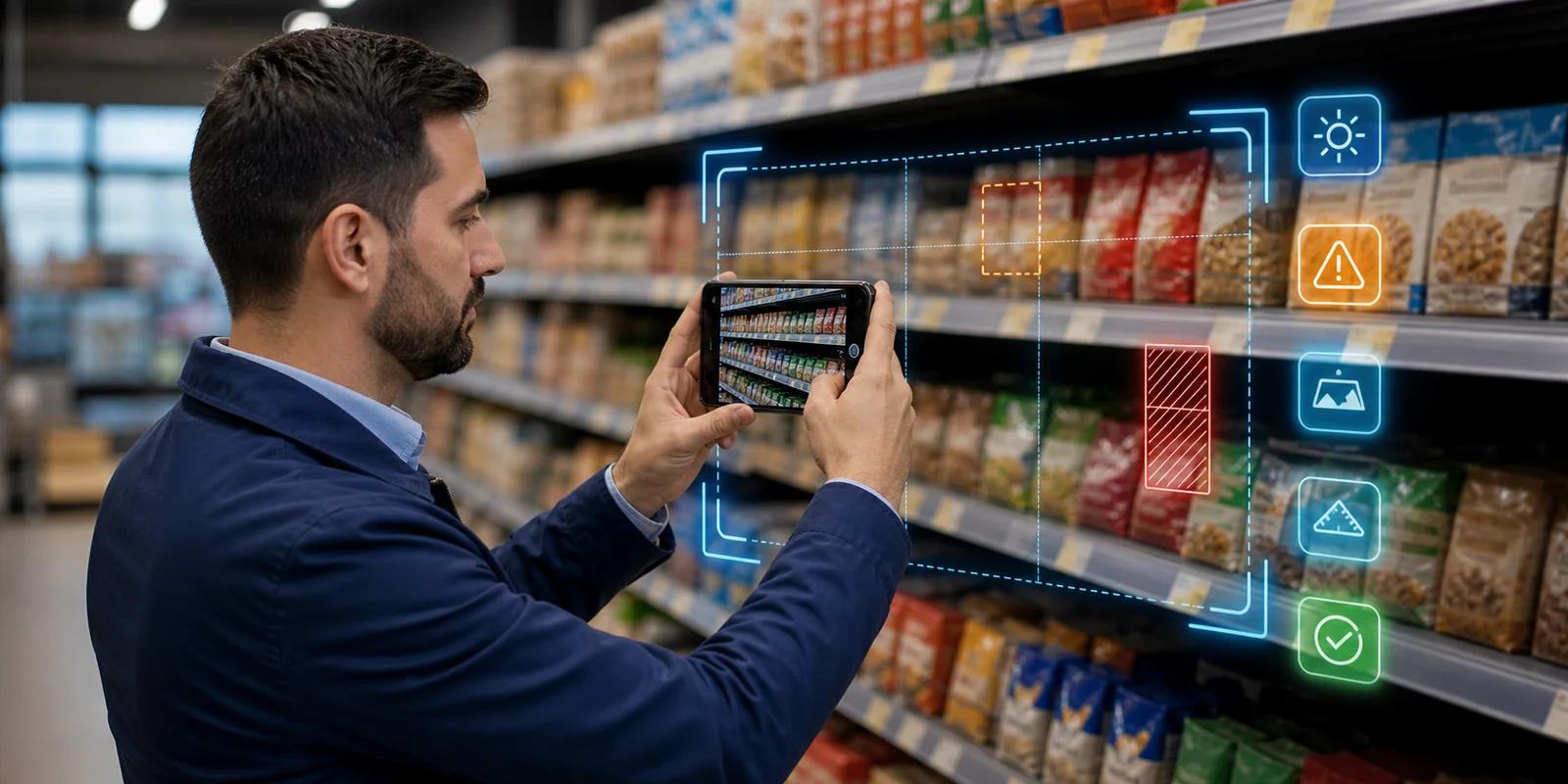
The most underrated part of shelf computer vision is the capture process.
If the photo is bad, the model starts with a weak signal. Serious systems therefore do not let the rep photograph “however they can.” They guide the process:
- how far away to stand;
- whether the whole shelf is in frame;
- whether the image is sharp enough;
- whether there is strong glare;
- whether panorama/stitching is needed;
- whether the cooler door is causing a problem;
- whether the shelf is too close or too tilted.
This matters because the photo is not a marketing asset. It is input to measurement.
In real stores, the sales rep does not have a studio, tripod and perfect lighting. They have a narrow aisle, people, carts, coolers, reflections and limited time. The right UX should say: “move a little back,” “capture one more section,” “the frame is blurred,” “the bottom shelf is missing.”
The better the capture process, the less noise the AI has to handle later.
From shelf image to realogram
Retail execution has a useful word: realogram.
The planogram is what the shelf should be.
The realogram is what the shelf actually is.
Computer vision turns the photo into a realogram: a structured description of the physical shelf.
That includes:
- where the shelf segments are;
- where the products are;
- which products were recognized;
- how many facings each SKU has;
- which positions are empty;
- which products are in the wrong location;
- where the price labels are;
- what secondary displays or POSM are visible;
- whether a competitor product occupies agreed space.
This is the moment when the image stops being an image and becomes data.
But the data is not yet business value. It is raw signal.
Detection: where there is product, where there is a gap
The first AI layer is detection.
The model localizes objects: products, shelf sections, empty positions, price labels and sometimes POSM elements. This is usually done with object detection models such as the YOLO family, DETR-like architectures or specialized variants.
Detection answers the question:
“Where is something?”
At this stage the system can count facings and detect obvious gaps. But it does not yet fully know what every product is.
This matters more than it sounds. Even without SKU recognition, detection can signal:
- an empty slot;
- loss of facing in a specific zone;
- a broken brand block;
- an issue in a cooler;
- overstacking or understocking;
- uneven shelf space.
In large-scale research and deployments, shelf and product detection is already strong enough for production scenarios. For example, a study on real-time planogram compliance in 7-Eleven Taiwan describes a system deployed across more than 7,000 stores, with shelf detection mAP@50 of 99.41% and product detection mAP@50 of 95.7%.
But the number should not be treated as universal. Field accuracy depends on category, packaging, lighting, image quality and how fine-grained the SKU distinction needs to be.
Recognition: which exact SKU is this
After detection comes the harder layer: recognition.
The system must distinguish not just “a bottle,” but a specific SKU: brand, variant, flavor, size, pack type and promotional version. In FMCG this is fine-grained visual classification because many products look almost identical.
The difference between two packs may be:
- a small color band;
- a different flavor;
- a promotional sticker;
- a new design;
- a different size;
- a local language version;
- a seasonal edition.
This is where many demo systems fail. In a presentation they recognize “cola” or “water.” In the real business, they need to recognize the exact SKU because the order, promotion, incentive and planogram operate at SKU level.
That creates another practical problem: the SKU catalog is not static.
New products enter constantly. Packaging changes. Promotional variants appear briefly. If every new SKU requires thousands of images and weeks of retraining, the system cannot keep up with FMCG.
Modern approaches therefore combine:
- product master images;
- embeddings;
- few-shot learning;
- synthetic augmentation;
- human review for uncertain cases;
- active learning from field images.
The goal is to onboard a new SKU quickly without waiting for a large retraining cycle.
OCR: price is part of the shelf
Many companies treat price compliance separately from shelf recognition. In practice, the two are connected.
The product may be in the right location with enough facings, but if the price is wrong, the promotion does not work. The shopper sees one signal, the checkout returns another and the trade agreement says a third.
So the computer vision pipeline should read the shelf strip too:
- locate the label;
- read price, promo price and sometimes barcode or SKU code;
- associate the label with the right product;
- compare it with agreed price, promotion mechanics or ERP data.
This is hard because labels are small, tilted, blurred or partly covered. But without this layer, the “perfect shelf” remains incomplete.
The shelf is not only product. It is product + position + price + context.
Planogram compliance: from image to agreed reality
Once the system knows what is on the shelf, the next question is:
“Is this what should be there?”
This is where the realogram is compared with the planogram.
The planogram may define:
- which SKU belongs on which shelf;
- how many facings it should have;
- which products should sit next to each other;
- what brand block should be built;
- which products should sit at eye level;
- which SKUs are must-stock;
- how competitor space should be monitored;
- where the promotional display should be.
The comparison is not a simple yes/no. A good system needs to say what the gap is and how important it is.
There is a difference between:
- a missing hero SKU;
- an SKU on the wrong shelf;
- one facing less than planned;
- a broken brand block;
- a promotional product without a price;
- a competitor occupying agreed space;
- a product present but missing from the cooler.
These gaps have different impact and require different actions.
Research on planogram compliance shows that this is a separate and difficult problem, not just product recognition. The system must understand product position inside the shelf structure, not only product identity.
Share of shelf and facings: the numbers behind visibility
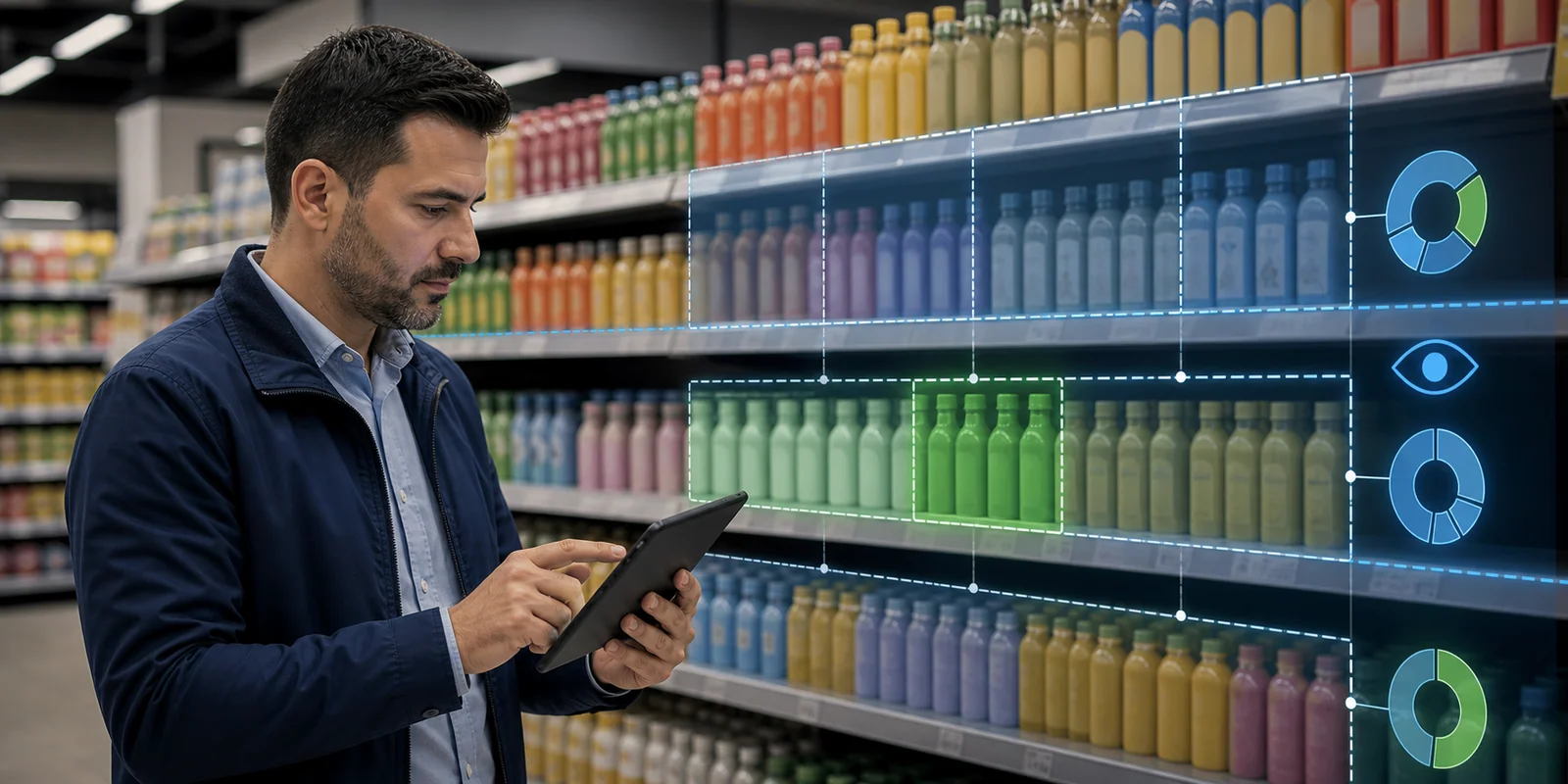
Share of shelf is one of the most important KPIs because visibility often predicts sales better than abstract reporting.
Computer vision can measure:
- how much linear space the brand has;
- how many facings each SKU has;
- the brand's share versus competitors;
- whether share of shelf matches share of market or the agreed target;
- whether hero SKUs have enough visibility;
- whether a competitor blocks the category.
But this needs caution. More facings do not always mean a better shelf.
If facings are added to the wrong SKU, the score may rise while the impact falls. If share of shelf grows in a low-potential store, the effect may be small. If the product is visible but not available in the backroom or not connected to the right order, the benefit is short-lived.
That is why share of shelf should be read together with:
- store potential;
- category role;
- SKU importance;
- OSA;
- promotion calendar;
- route frequency;
- order recommendation.
One number is rarely enough. Context makes the number useful.
OSA and OOS: the empty space is a signal, not only a problem
Out-of-stock is often best seen through the photo.
The system can detect an empty slot, a missing SKU, a broken brand block or a category that has fallen below minimum visibility. But the real value is understanding what kind of problem it is.
An empty space may mean:
- the product sold faster than expected;
- the order was too small;
- the stock is in the backroom but not replenished;
- the distributor did not deliver;
- the planogram is outdated;
- the product was moved elsewhere;
- a competitor took the space.
The same image can lead to different actions.
If the product is in the backroom, the action is replenishment. If it is missing because the order was wrong, the action is a suggested order. If the cause is weak route frequency, the action is route change. If the problem repeats across many stores, it becomes a manager escalation.
That is why computer vision should not be a standalone module. It should feed order taking, route priority, coaching and management visibility.
Edge or cloud: not a trend, but field logic
There are two main architectures.
Cloud processing: the image is uploaded to a server, processed there and the result is returned to the device.
Pros: easier central management, more powerful infrastructure, faster model updates.
Cons: depends on connectivity, can be slower in real stores, and with weak signal the rep waits or abandons the process.
Edge / on-device processing: analysis happens on the phone or local device.
Pros: works offline, returns results immediately, reduces transfer of sensitive images and fits field teams operating in stores with weak signal.
Cons: the model must be lighter, updates and device compatibility require discipline, and some heavy analysis may work better in the cloud.
The most practical model is often hybrid: fast on-device analysis for in-store action and a cloud layer for heavier analytics, model improvement and enterprise reporting.
The important question is not “is edge or cloud more modern?”
The important question is:
“Will the rep receive a useful result while still standing in front of the shelf?”
If not, the architecture is wrong for retail execution.
Where systems fail
Computer vision is not a magical detector without errors. A good article should say that too.
Common failure modes include:
Glare and reflections. Cooler doors and shiny packages create visual noise.
Occlusion. One product hides another. The front row may look good while the space behind it is empty.
Look-alike SKUs. Similar packs, different flavor or size. A mistake here can affect an order or promotion report.
Packaging refresh. New design, old master image, model uncertainty.
Poor capture. Bad angle, missing bottom shelf, blurred image.
Local assortments. SKU missing from master data, or a regional product the system does not know.
Price labels. Small, tilted, mixed or placed under the wrong product.
A serious production system therefore needs confidence scores, human review for uncertain cases, a feedback loop and the ability to learn from corrections.
Why “95% accuracy” is not enough
Marketing likes one number: 95% accuracy, 96% accuracy, 99% mAP.
Those numbers can be real, but they must be read carefully.
Accuracy for shelf detection is not the same as SKU-level recognition. mAP@50 is not the same as a correct business recommendation. Good performance in one category does not guarantee the same performance in another. Water shelves, cosmetics, snacks, alcohol, dairy and personal care all have different visual complexity.
For the business, more important questions are:
- how often does the system miss a critical SKU;
- how often does it confuse look-alike SKUs;
- how fast can a new product be onboarded;
- what happens when confidence is low;
- can the rep correct the result;
- do corrections improve the model;
- does the insight lead to action and sales.
Accuracy is necessary, but not sufficient. Operational design is required.
From photo to action: the real workflow
Follow a good process.
The rep enters the store. The system already knows the channel, store potential, must-stock list, promotion calendar, last order and previous shelf gaps.
The rep photographs the shelf.
The system checks image quality. If the frame is poor, it asks for another photo. If it is good, it turns it into a realogram.
The model finds products, recognizes SKUs, counts facings, detects gaps, reads price labels and compares the result with the planogram.
Then comes the most important part: priority.
Not all gaps are displayed equally. The system says:
“Hero SKU is missing from the shelf. Promotion is active this week. Check backroom and add 12 units to the suggested order.”
“Share of shelf is 18% below the agreed threshold. Restore the brand block in the middle segment.”
“Promo label does not match the active price. Correct before confirmation.”
“SKU is present, but not in the cooler zone. Move it to the cooler because this outlet has high impulse potential.”
That is different from a report. It is field decision support.
How the manager should use it
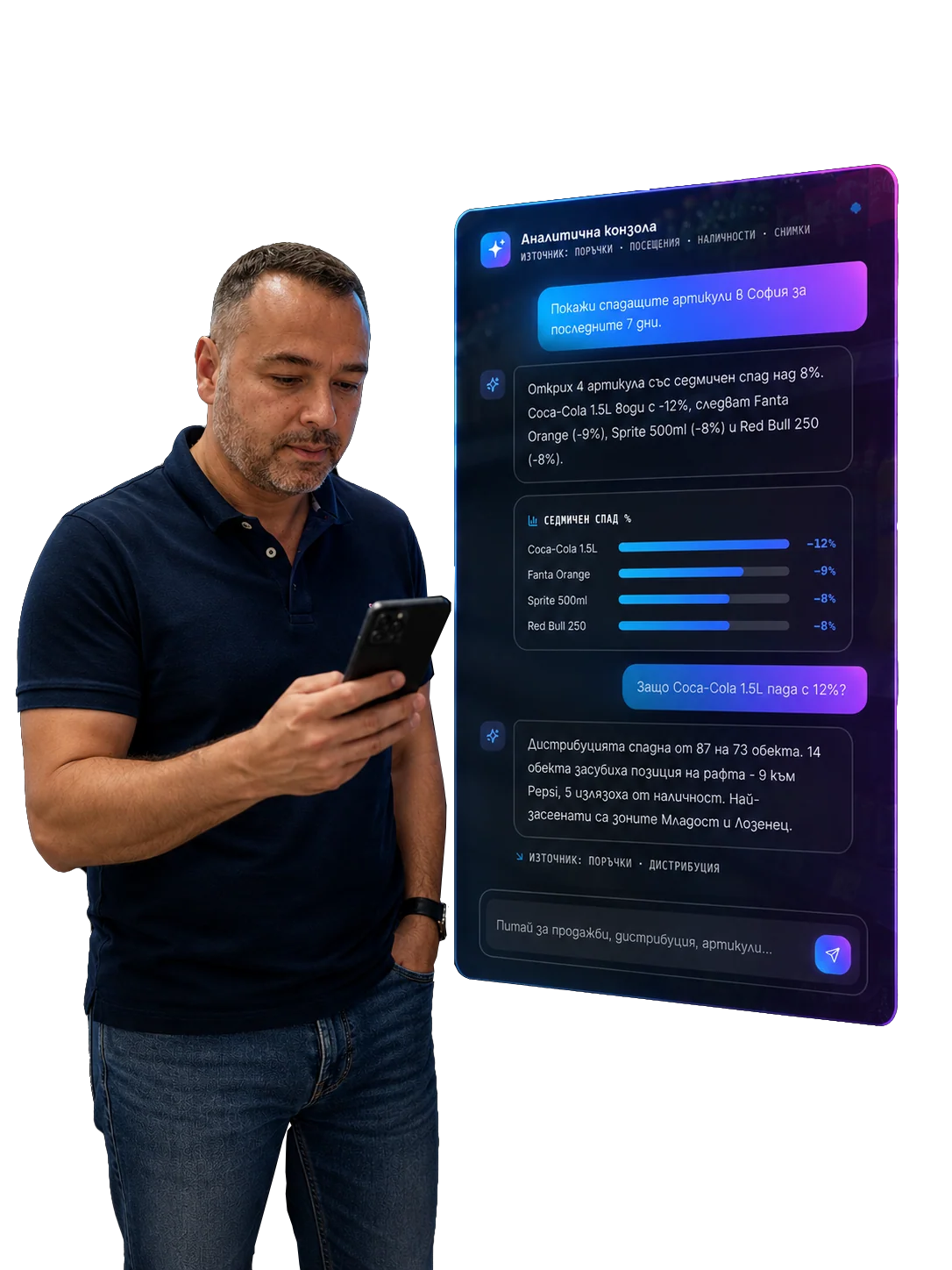
At management level, computer vision should not be measured as “how many photos did reps upload.”
That is the wrong KPI.
The manager should see:
- which SKUs are systematically missing;
- which categories have the lowest OSA;
- where share of shelf falls below agreement;
- which outlets have the highest weighted impact;
- which promotions are paid for but not executed;
- which reps close gaps in the same visit;
- where the problem is supply, store execution or route frequency;
- which corrections actually change sales.
If the dashboard shows only compliance, people start playing for the score.
If it shows impact, the team manages execution.
How this connects to AI order taking and route-to-market
The shelf is the beginning of the loop, not the end.
If the image shows a missing product, the next order should change. If the image shows an SKU runs out before the next visit, route frequency should be reviewed. If the image shows a promotional display missing in many stores, that is not one rep's issue, but an execution breakdown.
Computer vision becomes an input to:
- AI order taking - suggested orders based on the real shelf, not only order history;
- route priority - which stores should be visited first;
- coaching - what gaps a specific rep tends to miss;
- Perfect Store scoring - how the outlet executes the standard;
- manager escalation - where the issue is systemic;
- trade promotion analysis - whether the promotion was actually executed.
Without this connection, computer vision is an isolated audit tool.
With it, it becomes an execution engine.
Privacy and control
Store images can contain sensitive information: prices, competitor products, faces, internal trade conditions and local context. The architecture should therefore consider privacy from the start.
Practical principles:
- minimize collected data;
- process on-device where possible;
- blur faces and irrelevant objects;
- retain raw images only as long as needed;
- log who captured the image, when and why;
- separate the raw image from the aggregated business signal;
- control access by role and region.
In Europe this matters even more. Not every shelf image system will be a high-risk AI system, but transparency, data control, audit trails and human oversight are becoming normal parts of trust.
In short
Shelf computer vision is not “AI that draws boxes.”
It is a pipeline that translates the physical store into data and action:
- good photo and capture guidance;
- detection of products, gaps and shelf structure;
- SKU recognition for a real FMCG catalog;
- OCR for price and promo compliance;
- realogram against planogram;
- OSA, share of shelf, facings and must-stock gaps;
- edge/hybrid architecture for field work;
- confidence and human review for uncertain cases;
- action during the same visit;
- connection to order, route, coaching and Perfect Store.
The real question is not:
“Can the model recognize the product?”
The real question is:
“Can the photo change the action at the shelf before the sale is lost?”
That is where the value is.
Related in Optimasoft
- Image recognition is the solution page for this process: from shelf photo to measurable shelf signal.
- On-shelf availability explains how OSA/OOS signals from the image become commercial risk.
- AI order taking shows how shelf-scan output can change the suggested order.
- Perfect Store is the broader framework where computer vision measures the full outlet standard.
Sources
- Real-time retail planogram compliance application using computer vision and virtual shelves - PubMed
- Computer Vision Based Planogram Compliance Evaluation - Applied Sciences
- A comprehensive survey on computer vision based approaches for automatic identification of products in retail store - Image and Vision Computing
- Trax Retail - AI-powered image recognition
- Coca-Cola Hellenic image recognition case study - Best Practice AI
- IHL Group - Inventory Distortion: The Good, The Bad, the Ugly
- European Commission - AI Act regulatory framework
Related articles