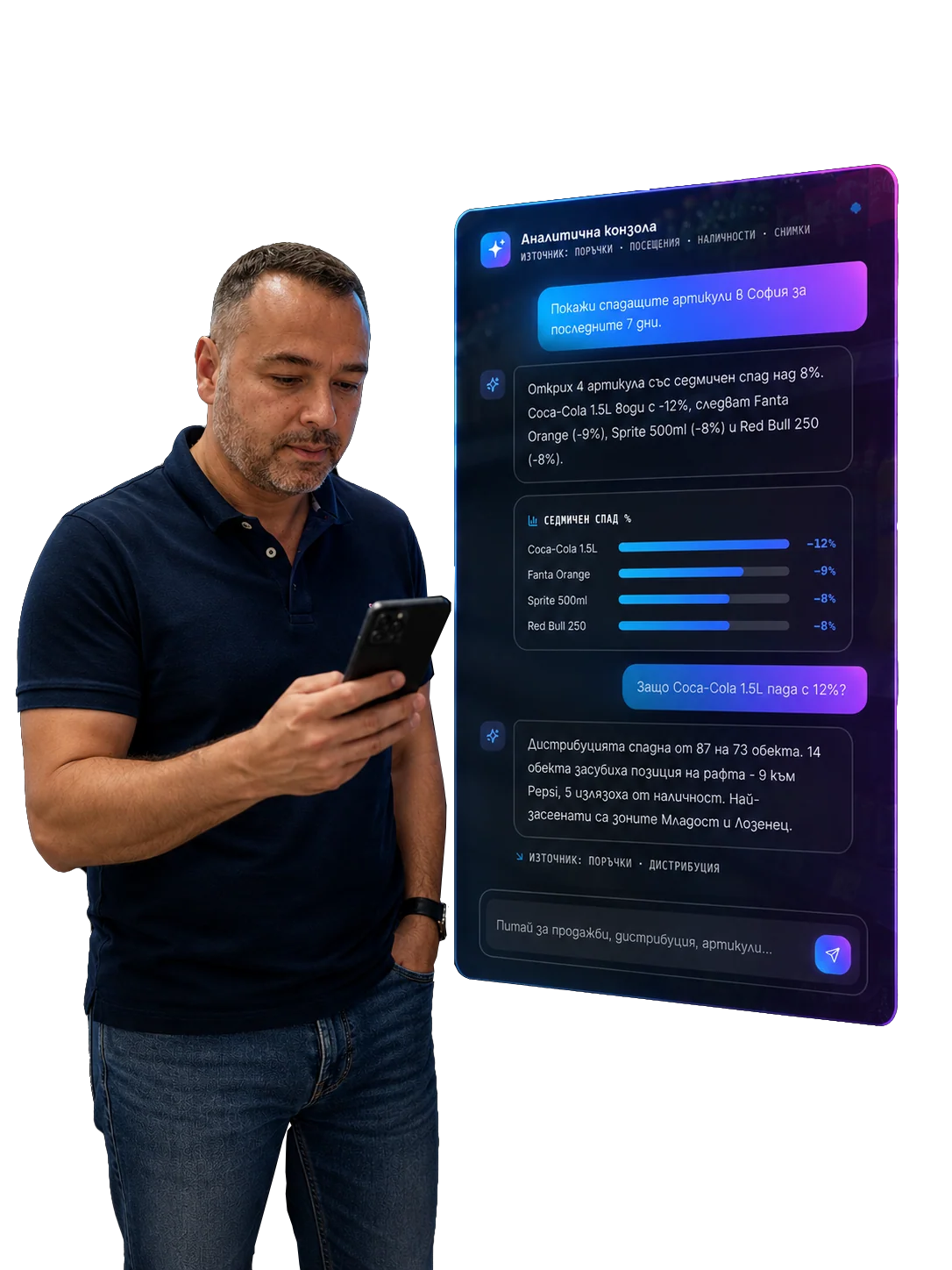
Supervisor dashboard in FMCG: what the regional manager should actually see
The regional manager does not need another screen with everything. They need a dashboard that shows where the process is breaking, who needs help and which problems must be closed today.

The regional manager in FMCG often sits between two worlds.
On one side: sales representatives, routes, customers, photos, orders, refusals, promotions, shortages and daily exceptions.
On the other side: targets, KPIs, reporting, leadership, forecast, trade marketing and the pressure to make the result happen on time.
That is why a supervisor dashboard should not be "another screen with everything".
If a dashboard shows everything, it manages nothing.
A good dashboard should answer three questions:
- Where is the process breaking today?
- Which person or outlet needs intervention?
- Which action will have the highest effect if it happens now?
That is the difference between a reporting dashboard and an execution dashboard.
What does not work in classic dashboards
Many FMCG dashboards look rich but are poor in action.
They show:
- number of visits;
- sales by representative;
- photos;
- orders;
- route activity;
- tasks;
- charts by region;
- customer tables;
- colorful KPI cards.
The problem is not that this data is useless. The problem is that it often does not say what the regional manager should do.
If the manager needs to open five screens, compare tables and manually search for the problem, the dashboard is not good enough.
A supervisor dashboard should reduce time to intervention.
Layer one: daily risk board
The regional manager's day should not start with a generic report.
It should start with a risk board:
- which outlets have high missed-sales risk;
- which promotions are not physically executed;
- which hero SKUs are missing;
- which representatives have critical route exceptions;
- which issues are overdue;
- which customers reject recommended orders;
- where the problem is recurring;
- which outlets should be visited or reprioritized today.
This is not just BI. It is an operational command layer.
Retail Execution KPI is useful only if KPIs reach the decision. If OSA risk is high, the dashboard should show where and what to do. If Perfect Store score is falling, it should show why.
Layer two: map, but not only map
The map is important for regional management, but by itself it can mislead.
If we only look at GPS and visit points, we see movement. We do not see impact.
A better map should show:
- high-priority outlets;
- route exceptions;
- missed critical visits;
- outlets with OSA risk;
- outlets with active promotion;
- open issues;
- sales potential;
- nearest supervisor intervention opportunity.
Here route optimization should work with commercial signals, not only kilometers. The regional manager should see not only where people are, but where intervention is needed.
Layer three: execution quality
Sales are the final result, but execution quality shows how the team gets there.
The supervisor dashboard should track:
- on-shelf availability;
- Perfect Store score;
- promo compliance;
- price compliance;
- share of shelf;
- facings;
- asset compliance;
- secondary placement;
- issue closure.
This is where image recognition is especially valuable. Without objective shelf signal, the regional manager relies on photos, comments and subjective assessments. With computer vision, they see a measurable shelf.
But the dashboard should not only show photos. It should show deviations:
- what is missing;
- where it repeats;
- who saw it;
- who should solve it;
- whether it was closed;
- whether sales improved after action.
Layer four: people and coaching
The regional manager does not manage only outlets. They manage people.
That is why the dashboard should show coaching signals, but carefully. The goal is not to create a punishment screen. The goal is to see where a person needs support.
Examples:
- the representative often reduces recommended orders;
- misses OSA issues in a specific category;
- has many unresolved follow-up tasks;
- often makes route overrides without reason;
- has low success rate with a new SKU;
- accepts AI recommendations but result does not improve;
- performs well in relationship outlets but weakly in promo execution.
Sales coaching should turn these signals into specific help. "Sell more" is not coaching. "In these five outlets you have repeated refusal for must-stock SKU; here is the argument that works in this channel" is coaching.
Layer five: issue management
The most important supervisor question is often:
Which problems are not closed?
Not which were marked. Not which were photographed. Which are not solved.
The dashboard should show:
- critical open issues;
- overdue issues;
- issues without owner;
- repeated issues;
- reopened issues;
- closure with evidence;
- average time to close;
- systemic issues by region, channel or category.
This is where from checklist to action loop is the direct framework. A supervisor dashboard should manage action loops, not only task completion.
Layer six: order quality
Orders are not just turnover.
They are commercial decisions.
The supervisor dashboard should show:
- recommended order acceptance rate;
- overrides;
- reason codes;
- under-order patterns;
- overstock risk;
- missed order opportunities;
- customers with systematic refusal;
- link between OSA and order;
- promotions with insufficient quantity.
AI Order Brain becomes manageable when the regional manager sees not only what was recommended, but how people and customers react.
If one representative systematically reduces recommendations and then has OOS, that is a coaching topic. If the system recommends too much and customers reject it, that is a model or business rule topic. If the customer refuses because of cash flow, that is a commercial or finance topic.
The dashboard should help distinguish these cases.
Layer seven: manager next best action
The strongest dashboard does not simply show data.
It suggests the next action.
Examples:
- "Call the supervisor for these 3 outlets."
- "Reprioritize representative X's route because of OSA risk."
- "Check promo display in these 5 high-potential outlets."
- "Coaching topic: recommended order objections in category Y."
- "Escalate repeated asset issue to trade marketing."
- "Check why route overrides repeat in region Z."
This is where Chat BI can be very strong. The regional manager should not search alone. They should be able to ask:
"Where should I intervene today if I have only two hours?"
That is BI as a management tool, not a static report.
What should be visible on the first screen
If the supervisor dashboard has a first screen, it should be disciplined.
My practical model:
1. Top risks today
The 5-10 most important risks, ordered by impact.
2. Critical outlets
Outlets requiring action or visit.
3. Team exceptions
Representatives with route, task, order or execution deviations.
4. Open issues
Critical and overdue issues by owner.
5. Promo execution
Promotions with risk, not all promotions.
6. Coaching focus
1-3 topics for specific people or the team.
7. Ask the data
Chat BI field for action-oriented questions.
That is enough. Details should be accessible, but they should not flood the first screen.
Mistakes to avoid
Showing everything on the first screen
A dashboard that shows everything pushes the prioritization work back to the human.
Measuring only activity
If the supervisor sees only visits, GPS and tasks, they will manage activity. If they see OSA, issue closure, order quality and promo compliance, they will manage execution.
Having no owner
An issue without an owner is just an observation.
Having no drill-down
A top-risk card without access to photo, task, customer, representative and history is shallow.
Having no action
If the dashboard does not lead to action, it is a report.
In short
A supervisor dashboard in FMCG should not be a data showcase.
It should be an intervention tool.
The regional manager should see:
- where there is missed-sales risk;
- which outlets are critical today;
- which promotions are not executed;
- which issues are not closed;
- which representatives need coaching;
- which routes should be reprioritized;
- which orders were rejected or adjusted;
- which problems are systemic;
- which action should happen now.
The real dashboard does not only say "what happened".
It helps the regional manager decide:
Where should I intervene to change the result before the problem becomes a report about the past?
Related in Optimasoft
- Optimasale is the main layer for visits, tasks, orders, photos and team visibility.
- Chat BI lets the manager ask the data for next best action.
- Sales coaching turns team signals into specific support for representatives.
- Workflow orchestration helps issues reach the right owner and get closed.
- Retail Execution KPI defines the KPI framework a supervisor dashboard should manage.
Sources
Related articles