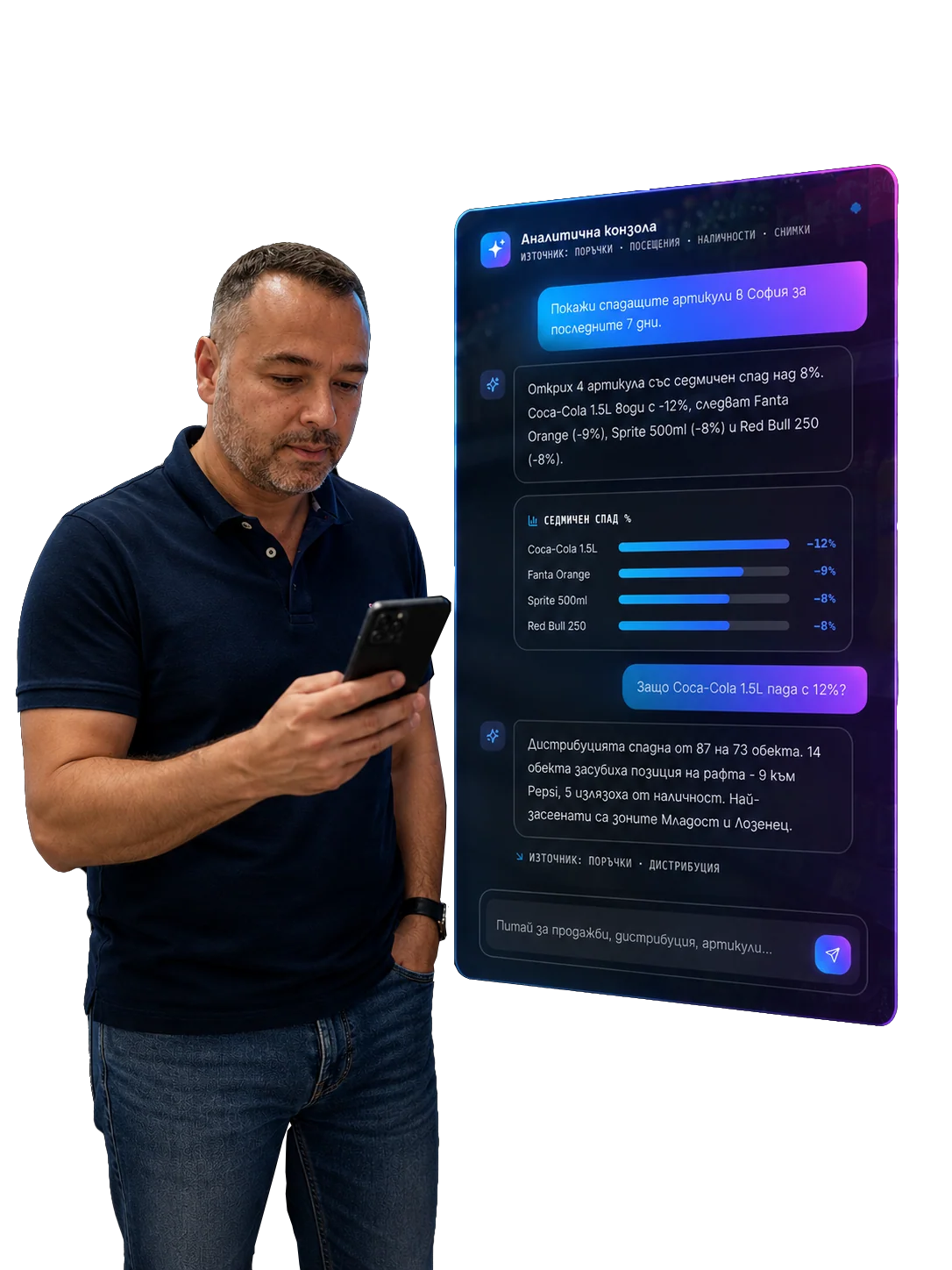
Workflow orchestration in FMCG: how a shelf problem reaches the right person
Detecting a shelf problem is only the beginning. Real value appears when the signal reaches the right owner, with the right deadline, proof of closure and a clear learning loop.
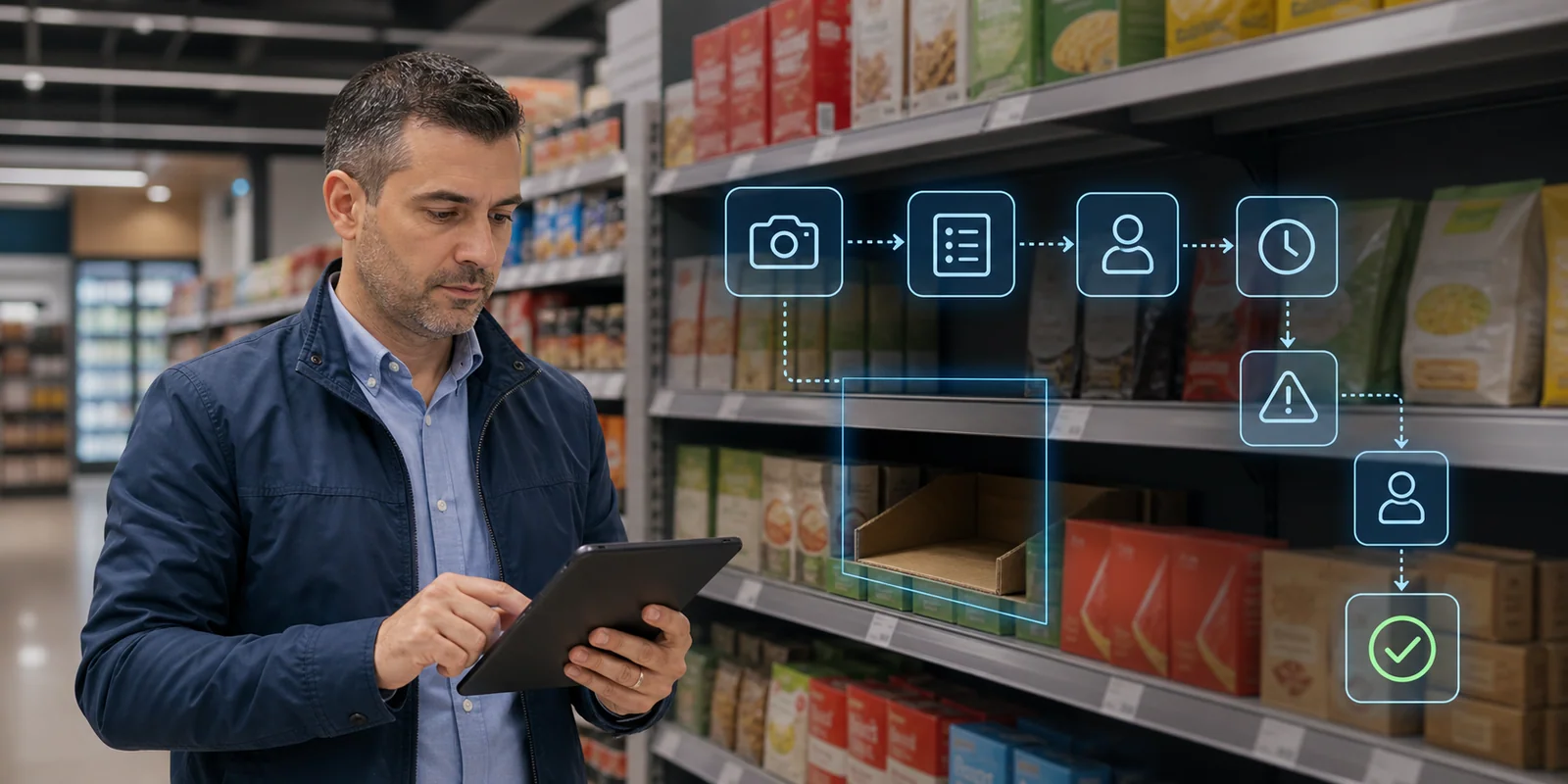
In FMCG, the problem is rarely only that we do not know what is happening.
Often we know.
We have a photo. We have a signal. We have a dashboard. We have a comment from the representative. We have a shortage, wrong price, empty display, misplaced POS material or rejected recommended order.
The real problem is the next one:
How does this signal reach the right person and how do we prove it was solved?
That is the role of workflow orchestration.
Without orchestration, the retail execution system detects problems.
With orchestration, it closes them.
A shelf problem is not always the representative's problem
Take a simple example: a hero SKU is missing from the shelf.
The first reaction is to assign it to the representative.
But the cause can differ:
- the product is in the store but not replenished to shelf;
- the product is missing in the store stock;
- distributor did not deliver;
- customer refused the order;
- credit block stopped delivery;
- promotion was planned but stock is insufficient;
- forecast was wrong;
- the representative reduced the recommended order;
- competitor pressure changed shelf space.
If all these cases are treated as the same task, the process will not work.
Workflow orchestration should understand the issue type and route it to the right owner.
The core flow: detect, route, act, verify, close
A good FMCG workflow has five steps.
1. Detect
The signal can come from:
- image recognition;
- representative;
- customer refusal;
- AI Order Brain;
- DMS/ERP;
- supervisor review;
- promotion calendar;
- asset validation.
The signal must be structured. "Problem" is not enough. The system needs type, outlet, SKU, category, severity and context.
2. Route
Then the workflow should define the owner:
- representative;
- supervisor;
- trade marketing;
- distributor;
- finance;
- key account;
- operations;
- AI agent as helper, not final owner.
Here orchestration is more than task assignment. It is decision logic.
3. Act
The owner needs a clear action:
- replenish the shelf;
- change the order;
- check delivery;
- install POSM;
- call the customer;
- request approval;
- escalate to distributor;
- schedule follow-up.
The action should be specific. "Check" is often not enough.
4. Verify
Without verification, there is no trust.
Closure may require:
- new photo;
- supervisor approval;
- delivery confirmation;
- order update;
- customer confirmation;
- system status;
- repeated shelf scan.
5. Close and learn
After closure, the system should know:
- how long it took;
- who solved it;
- whether it repeated;
- what the impact was;
- whether route, order, coaching or stock rule should change.
This is the learning loop.
SLA: deadline is part of value
Not every issue has the same urgency.
Missing hero SKU in a high-potential outlet during promotion may require action today. Missing minor POS material in a low-potential outlet may wait until the next visit.
Workflow orchestration should have SLA logic:
| Issue type | Example SLA | Why |
|---|---|---|
| Hero SKU OSA | same day / 24 hours | direct missed-sales risk |
| Promo price issue | same day | promotion loses effect |
| Asset compliance | 48-72 hours | visibility investment is at risk |
| Missing POSM | by promotion calendar | timing matters |
| Customer refusal | next visit / call | depends on relationship |
| Repeated issue | supervisor review | likely process problem |
SLA is not an administrative detail. It shows how fast the business can react.
Where AI agents enter the workflow
AI agents are useful when they work inside the workflow, not outside it.
They can:
- prepare issue summary;
- suggest owner;
- detect recurrence;
- send reminder;
- prepare escalation;
- group similar issues;
- prepare daily supervisor brief;
- check whether closure evidence is missing.
But they should not:
- close issue without evidence;
- change order without approval;
- take business ownership;
- create tasks without priority;
- act without audit trail.
Workflow orchestration defines the rules. AI agents help the process move.
What changes for the representative
For the representative, a good workflow means less chaos.
They should not need to think:
- who should solve this;
- what should I write;
- should I escalate;
- when should I check again;
- is the task closed;
- did anybody see the problem.
The system should provide:
- next action;
- owner;
- deadline;
- evidence for closure;
- reason for priority.
That makes Optimasale not just SFA, but the working layer for execution.
What changes for the manager
For the regional manager, workflow orchestration means better visibility:
- which issues are critical;
- which are overdue;
- which owner is delaying the process;
- which problems repeat;
- which outlets have systemic risk;
- which representatives need coaching;
- which processes break outside field sales.
Supervisor dashboard should show these signals as a risk board, not a long task list.
What to measure
Workflow orchestration should have its own KPIs:
- issue-to-owner time;
- issue closure rate;
- average time to close;
- SLA breach rate;
- repeated issue rate;
- reopened issue rate;
- closure with evidence;
- escalation quality;
- AI-assisted task accuracy;
- commercial impact after closure.
Retail Execution KPI should include closure, otherwise the team will measure only problem detection.
In short
Workflow orchestration in FMCG is the bridge between signal and result.
Without it:
- the photo remains evidence;
- the issue remains a list;
- the dashboard remains reporting;
- the AI agent creates noise;
- the problem repeats.
With it:
- the signal gets an owner;
- the task has a deadline;
- the action is specific;
- closure is provable;
- escalation is clear;
- the system learns from recurrence.
Detecting a shelf problem matters.
Sending it to the right person and proving it was solved is execution.
Related in Optimasoft
- Workflow orchestration is the solution page for owner, rules, SLA, escalation and closure.
- AI agents support the workflow with summaries, reminders, triage and escalation prep.
- Image recognition provides the shelf signals that start many action loops.
- From checklist to action loop explains why tasks should be closed, not only marked.
- Optimasoft AI Suite shows how workflow orchestration connects to the full AI stack.
Sources
Related articles